Center display
Radio
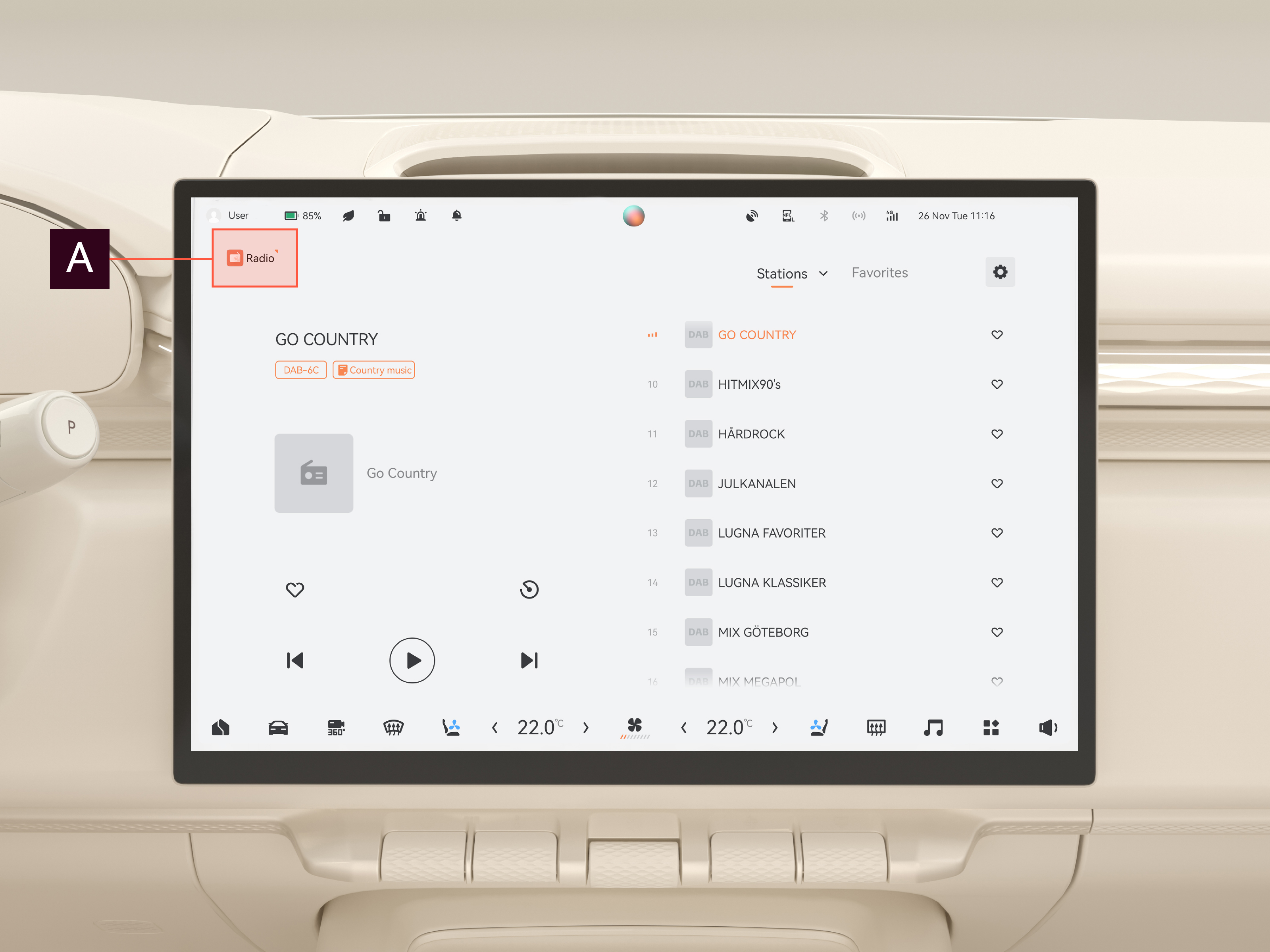
Listen to live radio with the radio app. DAB and FM stations are available.
Use the radio
To start the radio, open the radio app from the app menu or the multimedia menu.
To select a radio station, choose from the Station list or Favorite tab, or press  or
or  to scroll through the available stations.
To mute the radio, press the pause icon. To resume playback, press the play icon.
You can also control the radio using voice control; see Keywords and phrases.
To search for radio stations, press  . Press it again to stop.
To add a station to Favorites, press the  symbol. The heart is filled to confirm. Press the symbol again to remove the station from Favorites. The heart will empty to confirm the removal.
Radio settings menu
The radio settings menu is used to control traffic announcement and radio linking options.
To access the radio settings menu, press  in the radio app.
To select which traffic announcements to be active, toggle the different options on/off.
Linking of radio stations allows the car's radio system to switch between stations and broadcasting types to maintain the best reception. There are three linking options:
- DAB-DAB: switches between DAB stations.
- FM-FM: switches between FM stations.
- DAB-FM: switches between DAB and FM stations.
To activate linking, toggle the options on.