Center display
Multimedia menu
The multimedia menu is for enjoying various entertainment media.
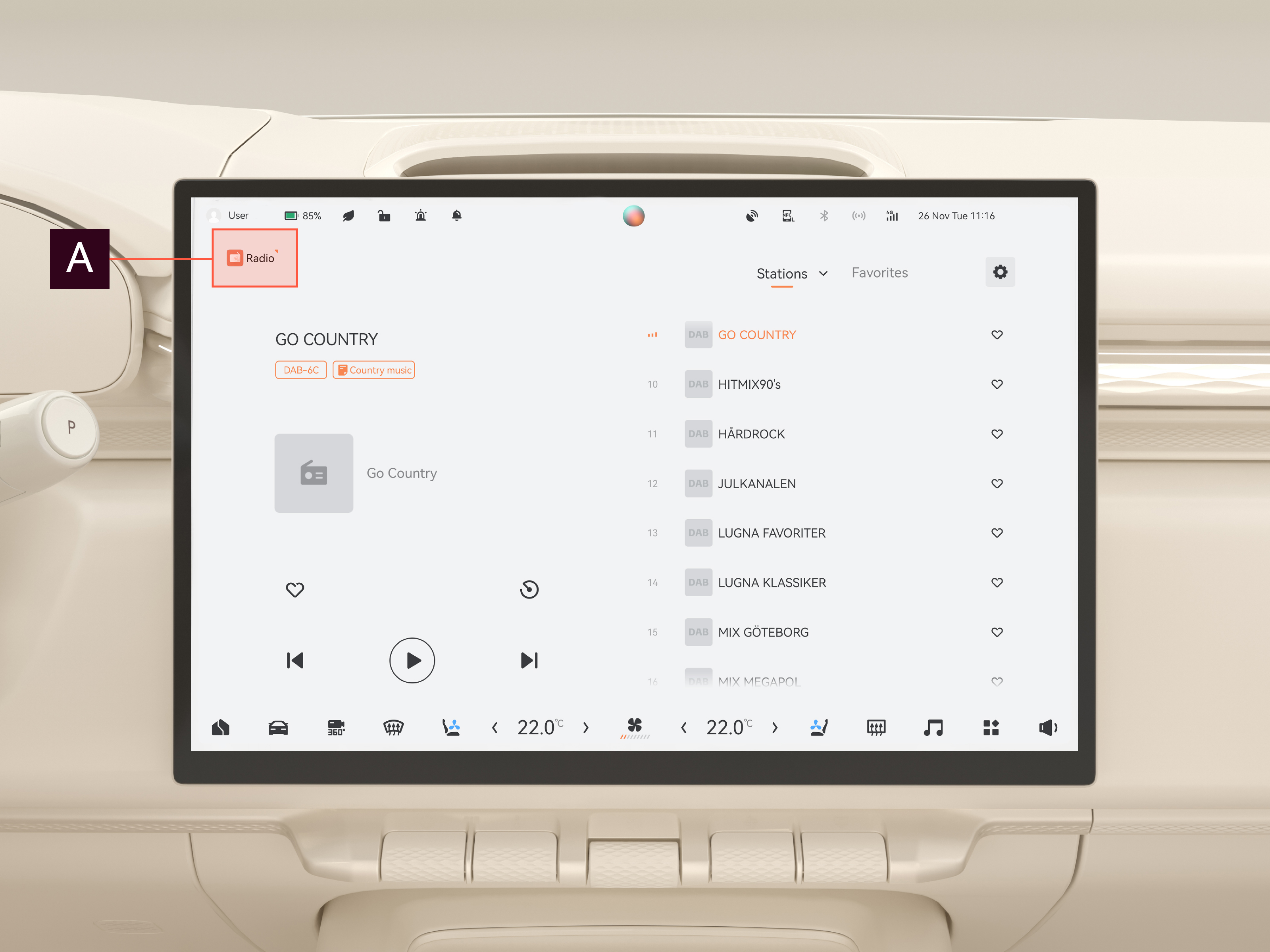
Press the multimedia selection button  to choose between the various multimedia options, such as USB music, online media, Bluetooth music, and radio.
Volume and playback via the scroll wheel
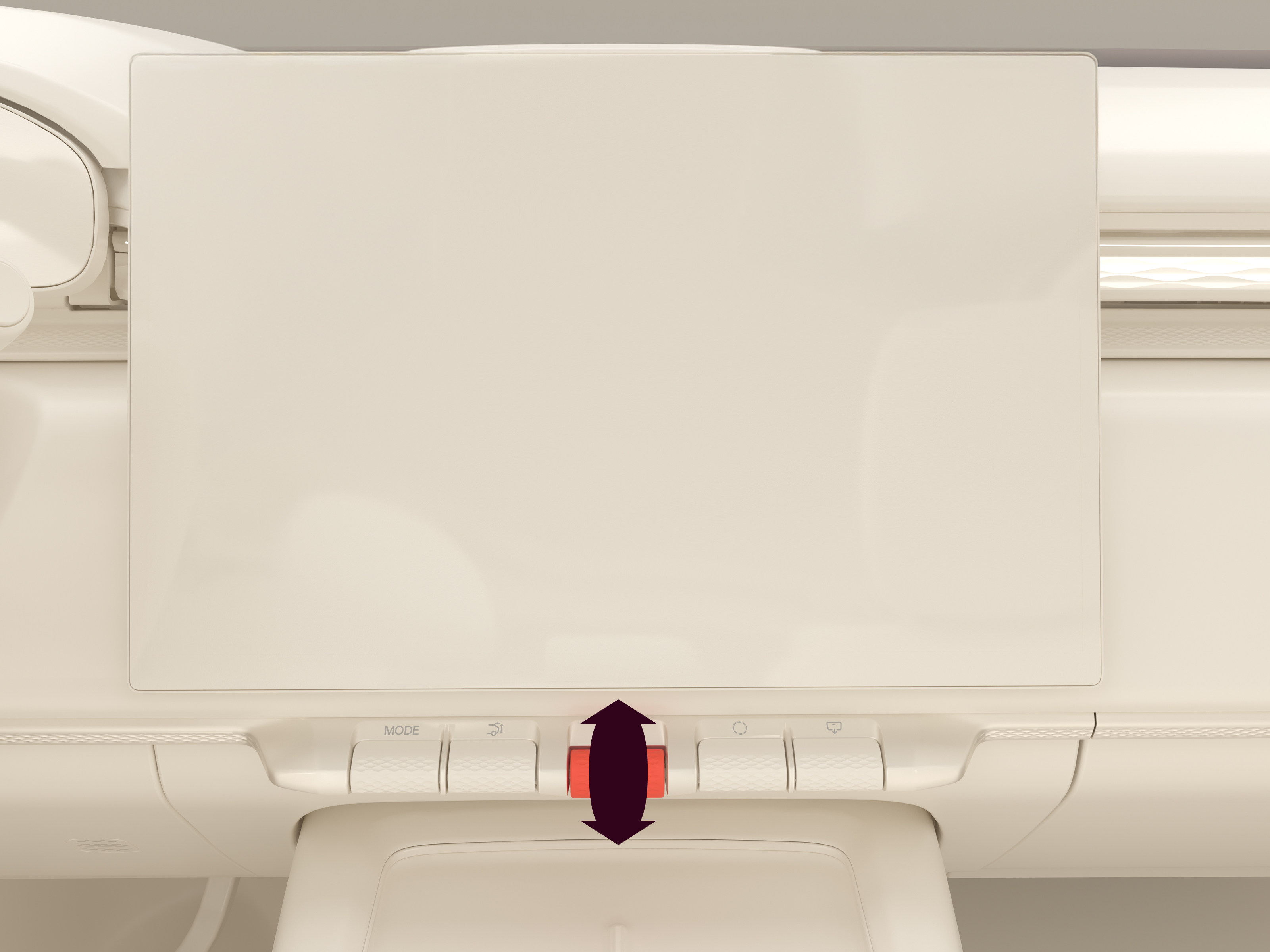
The scroll wheel can be used to control the volume of the currently active audio source and pause/play media:
- Press and release the scroll wheel to pause or play media.
- Scroll to increase/decrease the volume of the currently active audio source. This also opens a pop-up menu on the center display.
The following audio sources are adjustable in the pop-up menu:
- Voice broadcast
- Navigation/smart driving broadcast
- Call
- Media
Adjusting other audio sources
- Scroll or press and release the scroll wheel.
- Press the arrow on the pop-up menu.
- Adjust the relevant slider in the pop-up menu on the center display.
To mute all the listed audio sources, press Mute all in the pop-up menu.