Center display
Vehicle function settings menu
The vehicle function settings menu is used to control various functions of the car, as well as view information related to that function.
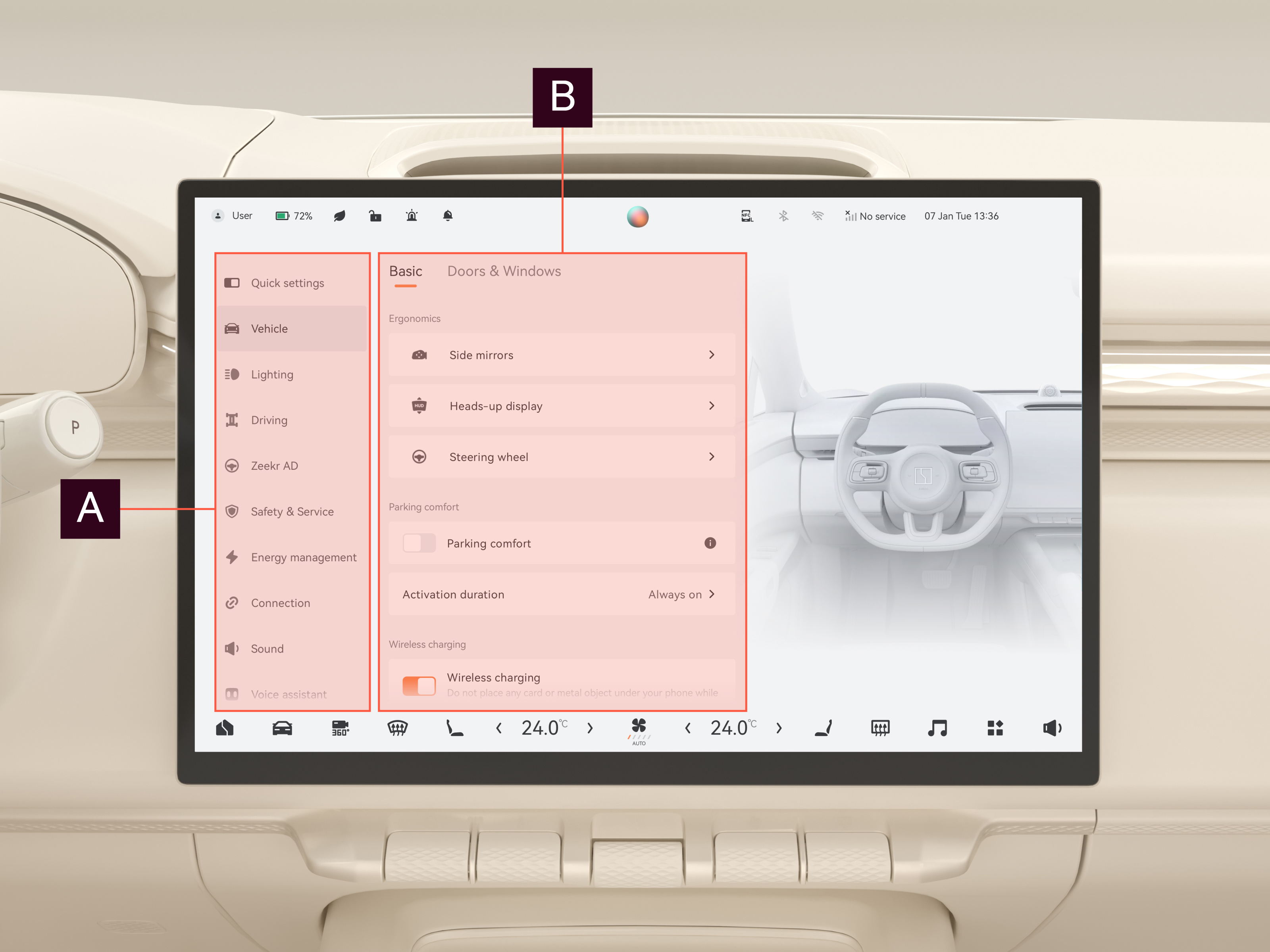
Areas

Sidebar
Select a button representing a function to enter the corresponding function setting interface.

Function setting interface
Adjust the selected function and view information regarding the function.