Driver assistance quick guide
Lane keep assist quick guide
Lane assist helps you keep your car in your lane while driving, if the lane is marked with clearly visible lane markings. This help comes in the form of warnings and the car steering you back into your lane. The speed range of the function is 60–130 km/h. For more information, see Lane keep assist.
The lane keep assist functions has limitations. Be aware of them before using the function. See Limitations of the lane keep assist function.
Status display on the driver display
The status of the lane keep assist function is shown on the driver display:
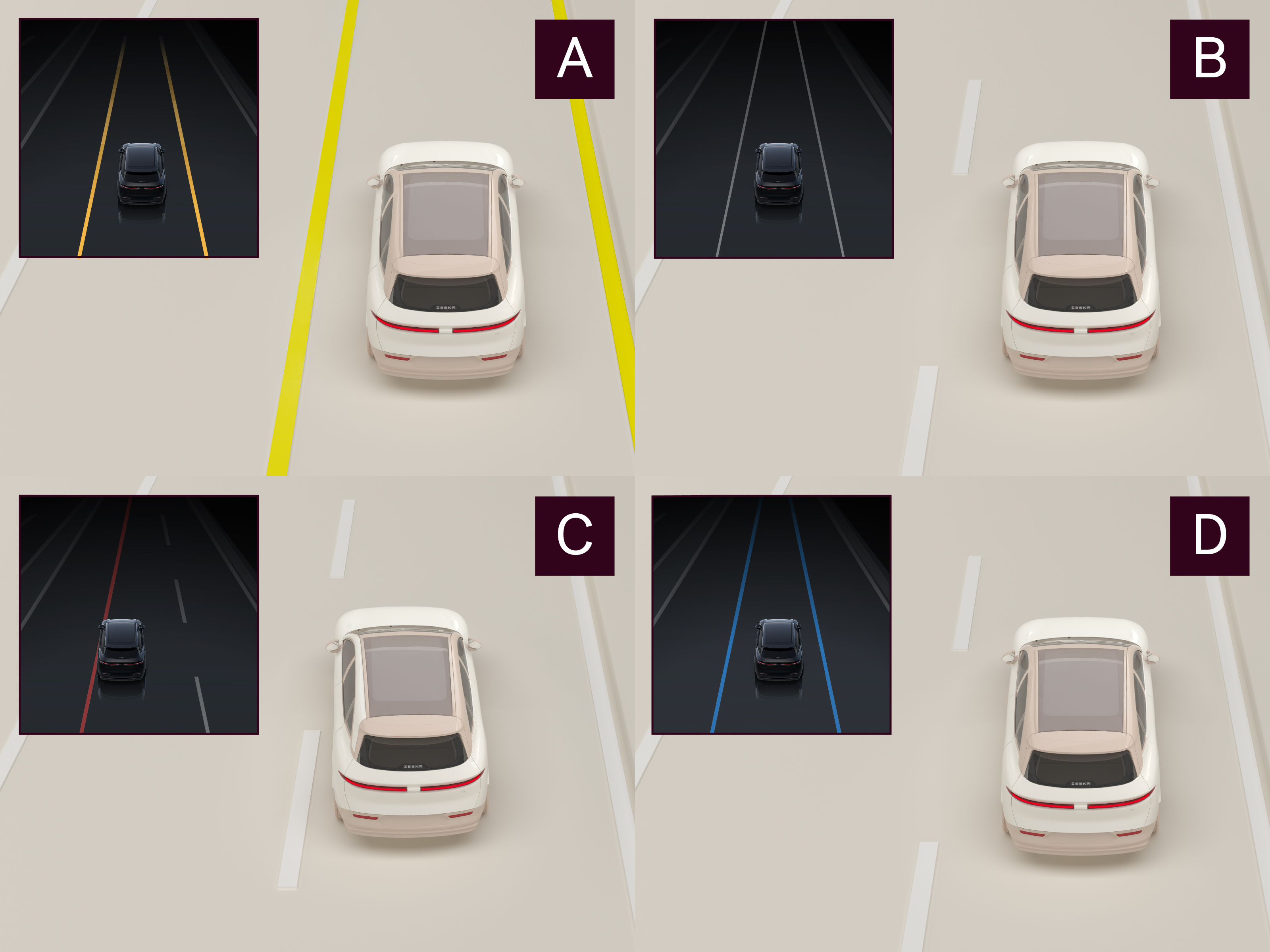
- Yellow: yellow lane markings detected.
- White: white lane markings detected.
- Red: lane departure warning is active.
- Blue: lane keep assist is active. Blue on both sides means lane centering control (highway assist) is active.